smart switch board (IoT wall switch)
I made my wall switches smart. started as a hobby, now I want to make it a real product.
what it earnedhardware → firmware → cloud → app
2025 – 2026 · me, every layer · on my wall, running · deployed
Normal wall switches, but you can also flip them from your phone, from anywhere. The rule I set myself: the physical switches must keep working no matter what — wifi down, cloud down, app deleted, doesn’t matter.
I built every layer. Designed the box in CAD, soldered a perf board with relays and optocouplers (there’s 220 V on one side of that board and a 3.3 V ESP32 on the other — the optocouplers are not optional), wrote the firmware on ESP-IDF, set up an MQTT broker with TLS, and made a Flutter app.
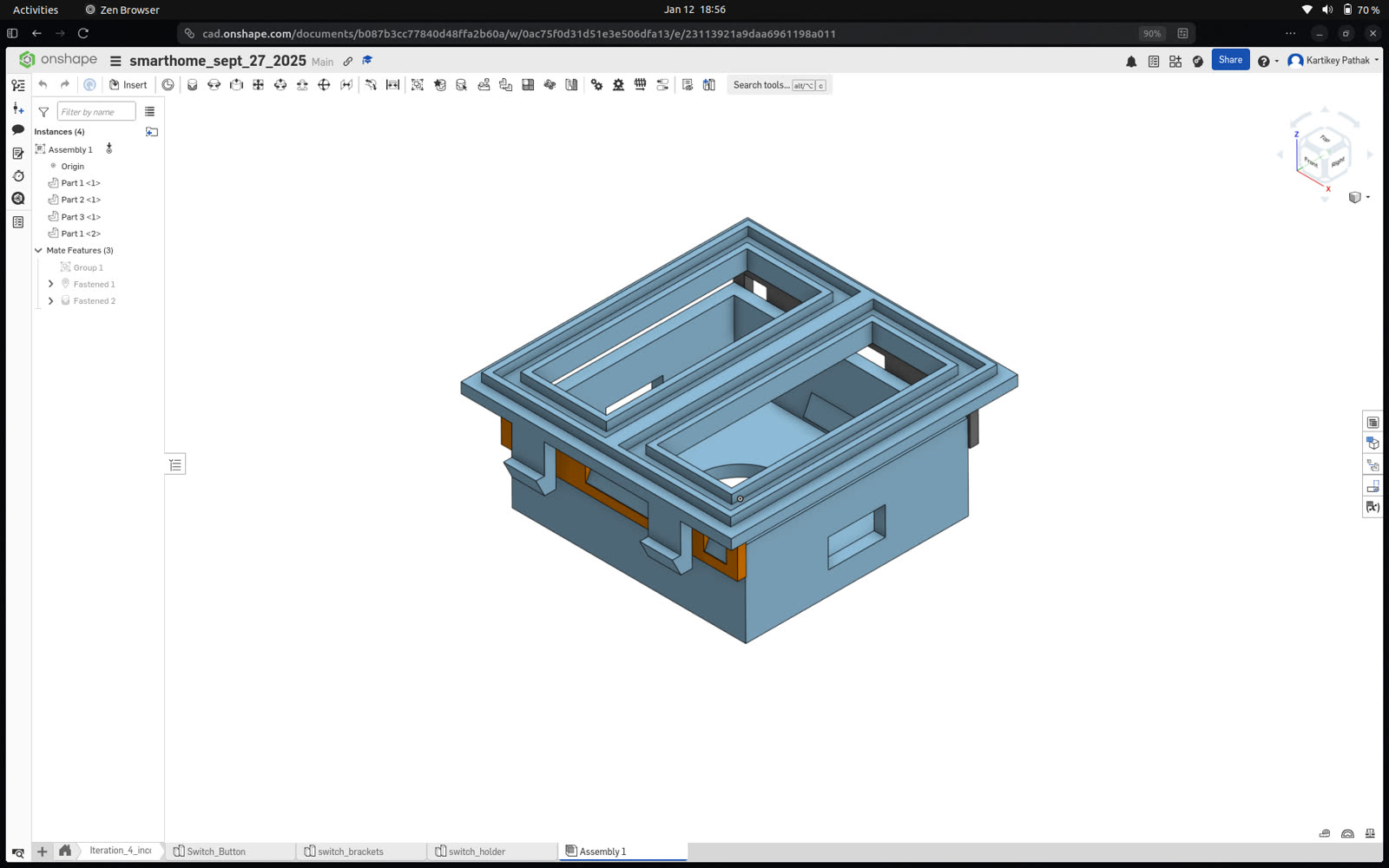
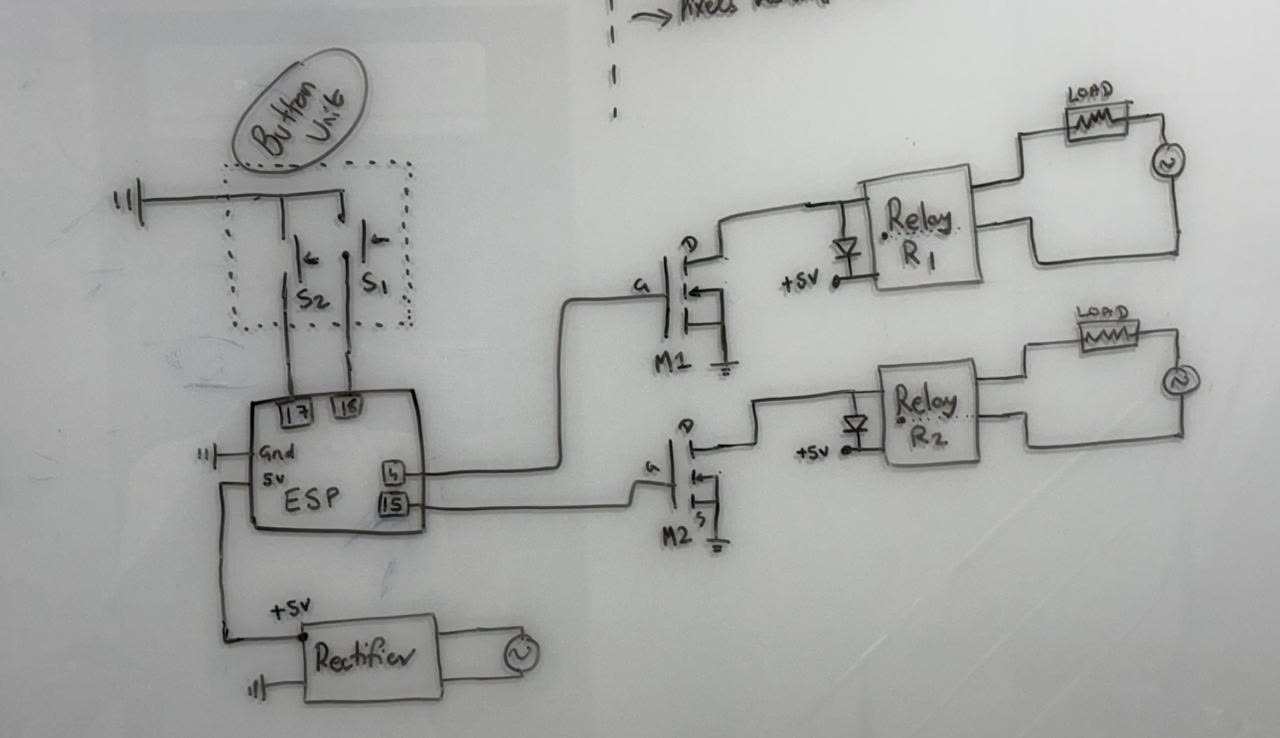
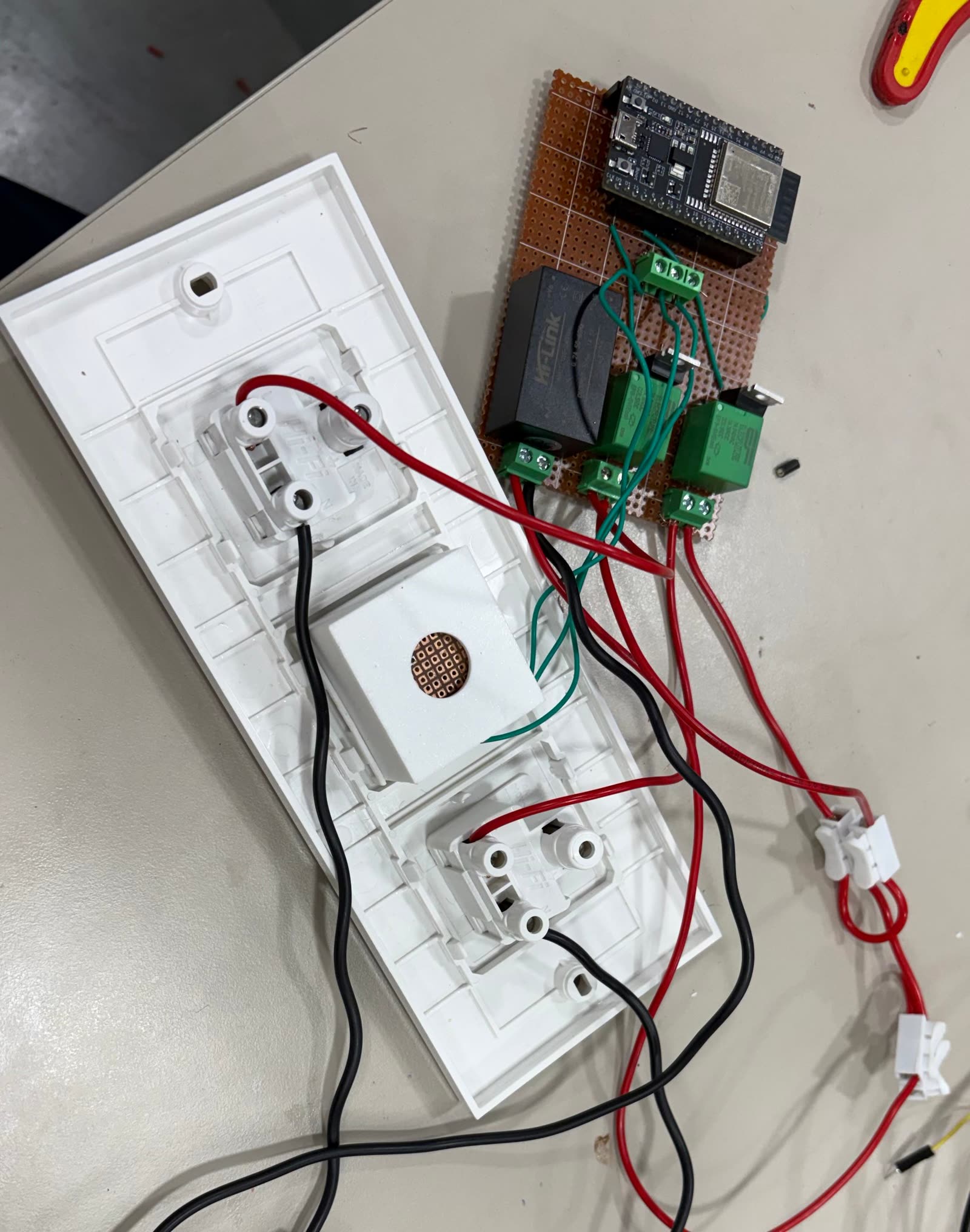
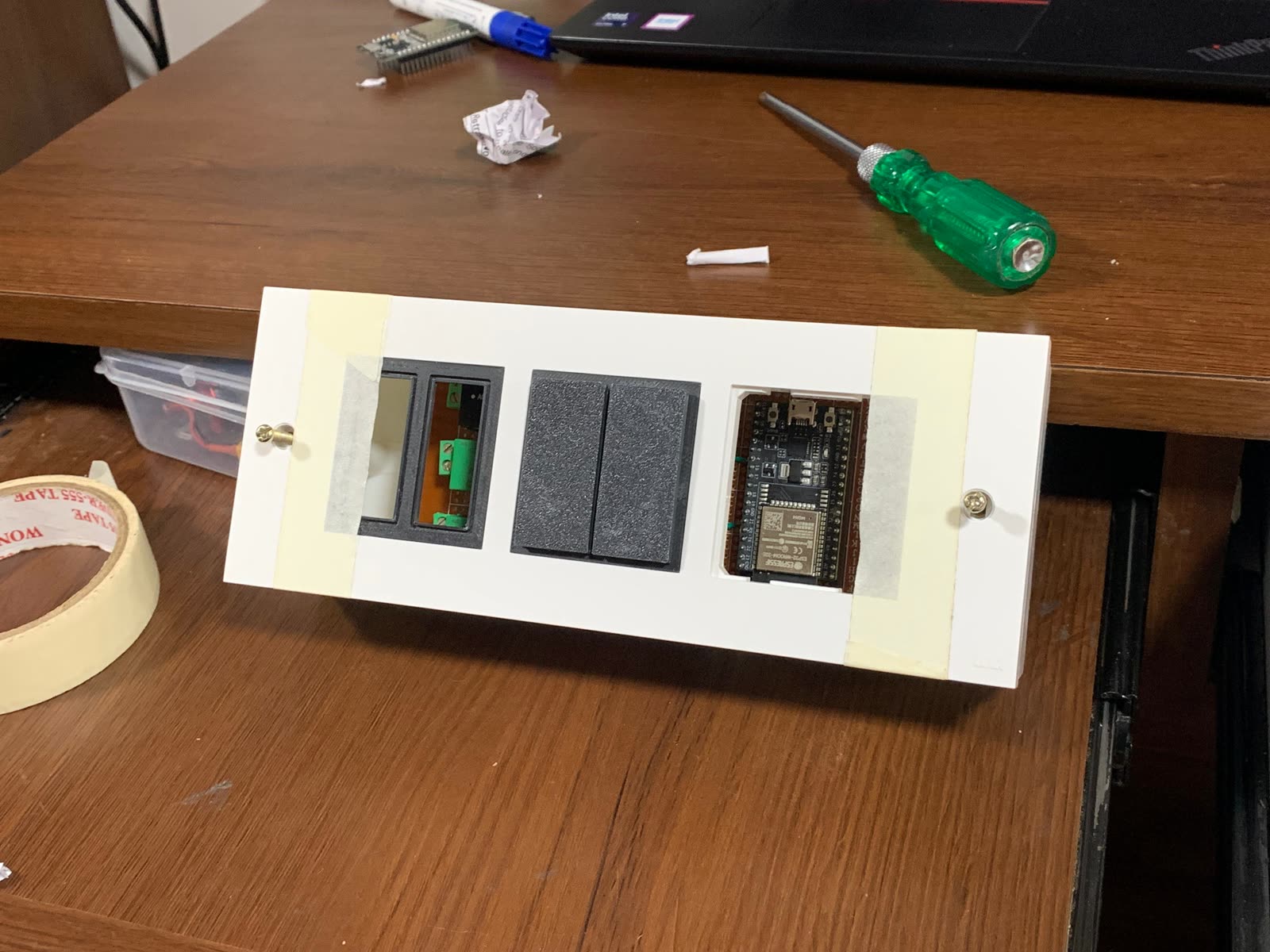
Some details I’m fond of:
- wifi setup happens over BLE — the app sends the ssid and password, nothing is hardcoded
- state survives power cuts (NVS), and the board sends a small heartbeat every 5 seconds so the app always knows the truth
- the wall switch, the firmware, the cloud and the app all have to agree on whether a light is on. keeping four copies of the truth in sync was the hardest part of the whole project — harder than the mains voltage
- the app was honestly vibe-coded. the firmware was not.
When you flip a switch, this is roughly what happens — the message hops from the app to the broker to the ESP32 to the relay, carrying a topic string like the real one:
toy · flip it and follow the message
MQTT · TLS
smart_switch/esp_12ab34/light_1/command → OFFNext: a proper KiCAD PCB instead of the perf board, OTA updates, and then I’ll publish the firmware.
made with
- ESP32
- ESP-IDF
- FreeRTOS
- MQTT + TLS
- BLE
- NVS
- relays + optocouplers
- CAD
- Flutter